In a world where remote collaboration is the new normal, having the right tools in your virtual workspace can make the difference between frustration and seamless teamwork. One of the most impactful features transforming the workplace in 2025 is sentiment analysis—a way to gauge the emotional dynamics of your team directly within your favorite tools. For businesses using Microsoft Teams, the rise of AI-enabled apps offers exciting possibilities to automatically summarize meetings, analyze team communication, and even deliver actionable next steps.
Whether you’re managing a distributed team, facilitating meetings, or staying laser-focused on productivity, these apps aim to bring clarity and connection to your daily workflow. In this blog post, we’ll explore the Top 5 Sentiment Analysis Apps for Microsoft Teams, helping you decide the best option for tracking team morale, enhancing collaboration, and automating follow-ups with cutting-edge AI efficiency. Buckle up—your workday is about to get a whole lot smarter!
Top apps:
1. Summarize by Moodbit
2. ScrumGenius
3. SoapBox
4. Typeform
5. Decisions
Summarize by Moodbit
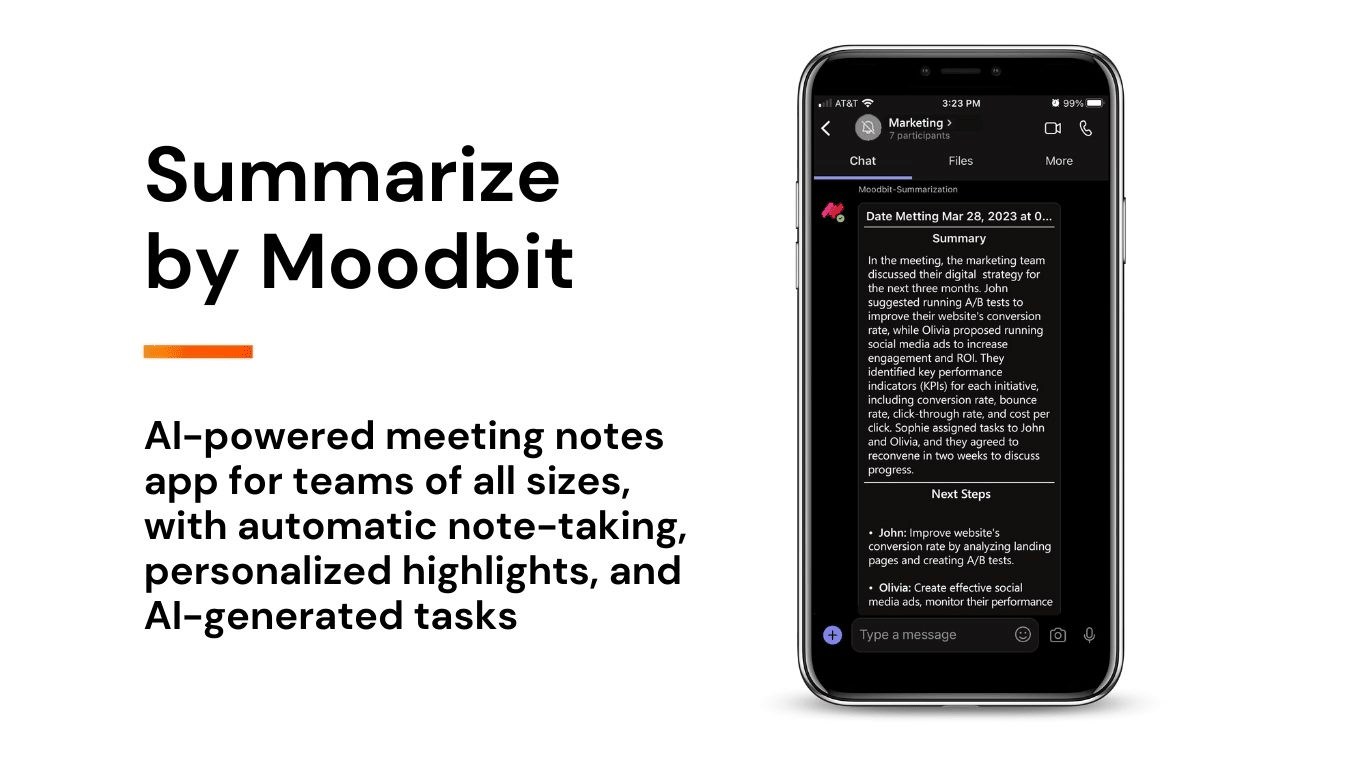
Summarize by Moodbit is an AI-driven tool designed to leverage automation technology to revolutionize how meetings are managed within Microsoft Teams. Its purpose is to enhance workplace productivity by providing instant meeting summaries, live transcriptions, actionable recommendations, and sentiment analysis insights—all integrated seamlessly into Teams. It simplifies collaboration by ensuring critical discussions are captured, documented, and actionable, without requiring any manual intervention.
Pros:
- Instant Meeting Summaries: Automatically transforms live meeting transcriptions into clear, well-structured summaries. This eliminates the arduous task of manual note-taking and ensures that essential discussions are prioritized while casual banter is filtered out.
- Real-Time Transcriptions: Provides live transcriptions with exceptional audio processing quality, ensuring accuracy and clarity. The summarized meeting notes and highlights are made available immediately after the call, reducing the time spent reviewing details.
- AI-Powered Sentiment Analysis: Not only does it evaluate the mood of conversations (positive, neutral, or negative), but it also provides valuable insights into team dynamics, individual emotions, and overall group morale. This fosters a deeper understanding of workplace interactions and helps leaders improve team harmony.
- Automated Task Recommendations: By analyzing conversation patterns during meetings, its AI suggests tailored action items for every participant. It effectively bridges the gap between discussions and follow-ups, enabling seamless transitions to productive next steps.
- Seamless Integration: Installation is straightforward and works entirely within Microsoft Teams, maintaining a consistent user experience. The automation is activated with a simple bot invitation, showcasing its ease of use and efficiency.
While Summarize by Moodbit is undeniably a powerful tool, it has minor limitations: it sends meeting data externally for processing, and it can access certain personal chat content such as URLs or phone numbers.
Use Cases:
- Rapid Note Automation: Perfect for teams or individuals needing to skip manual note-taking entirely, ensuring time during meetings is dedicated to engaging in conversations instead of capturing details.
- Understanding Team Dynamics: Leveraging sentiment analysis helps leaders identify group morale and individual moods. This data can be used to adjust communication strategies and improve team relationships.
- Efficient Task Management: Automatically generated action items ensure no tasks fall through the cracks, promoting accountability and driving productivity across teams.
- Enhanced Collaboration: By embedding summaries and action items directly into Teams’ chat, all participants have immediate and shared access to key decisions and follow-up tasks.
ScrumGenius
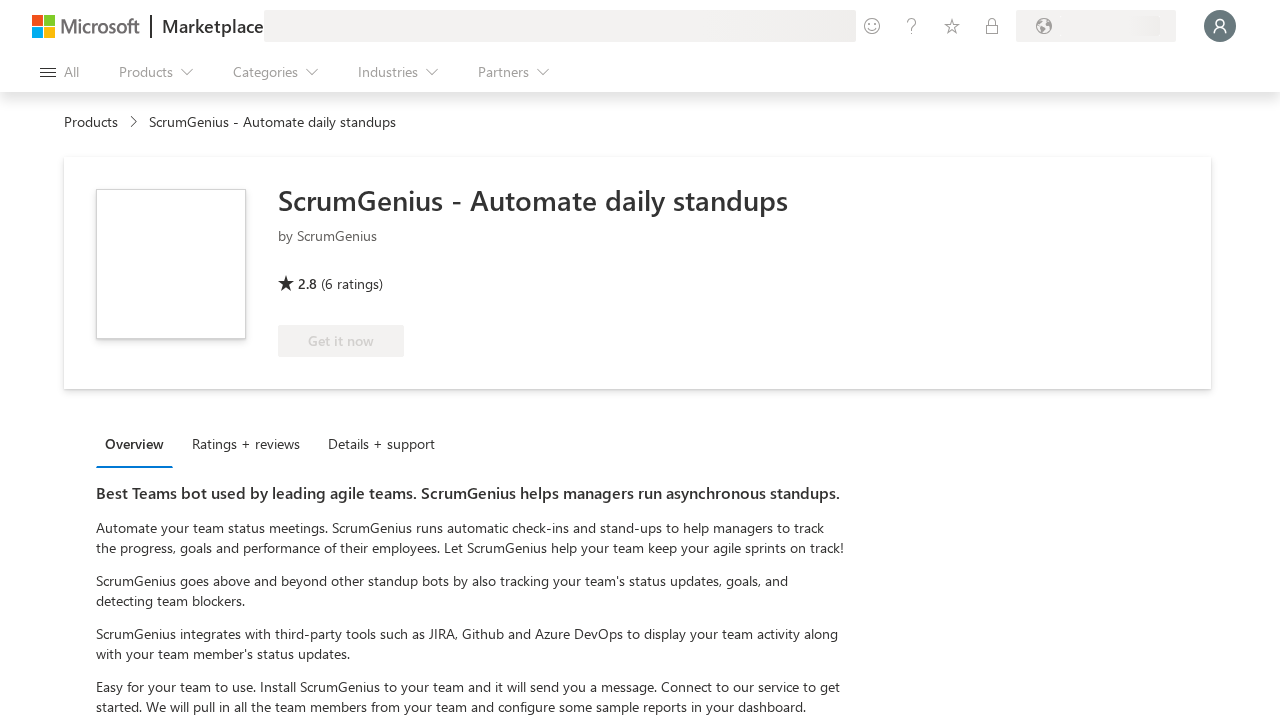
ScrumGenius is a tool designed for asynchronous stand-up meetings and daily check-ins, mainly aimed at remote and distributed teams. It simplifies status reporting by automating daily updates, tracking goals, and integrating with popular project management tools like Jira, GitHub, and Asana. It also enables team engagement and provides insights into team progress and blockers without requiring real-time interaction.
Pros
- Automates stand-ups and daily check-ins for distributed teams.
- Integrates with project management tools (e.g., Jira, Asana, GitHub).
Cons
- Lacks advanced features such as real-time transcription or live meeting summaries.
- Does not provide sentiment analysis for team dynamics or individual mood evaluation.
- Focuses on asynchronous communication, limiting its functionality for real-time tasks during meetings.
- No automated actionable task recommendations based on discussion content.
SoapBox
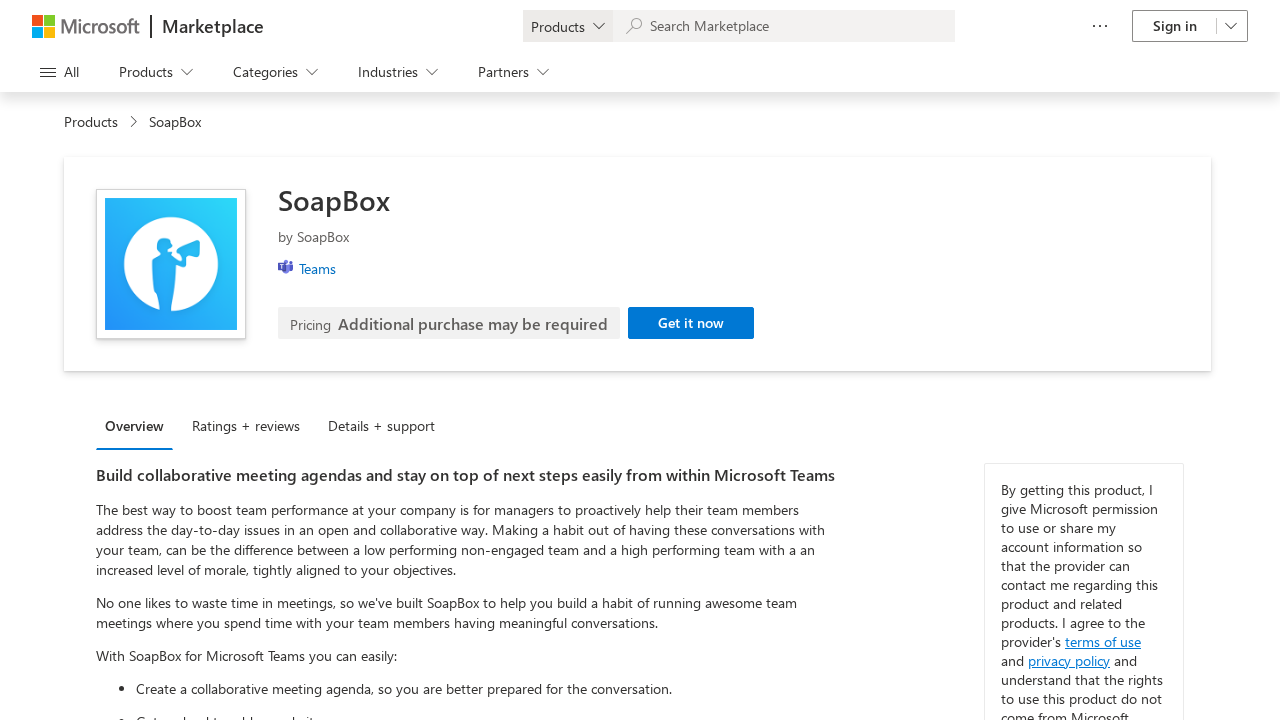
SoapBox is a unique app that enhances collaboration by focusing on meeting facilitation and employee engagement. It helps create meeting agendas, track action items, and foster team conversations within Microsoft Teams.
Pros
- Enables team collaboration through structured meeting agendas.
- Supports tracking of action items and follow-ups from past meetings.
Cons
- Lacks real-time transcription and automated meeting summaries.
- Does not provide sentiment analysis or insights into team morale and emotions.
- No AI-powered task recommendations derived from meeting discussions.
- Requires manual input and setup for agendas and tasks, which may be time-consuming.
- Features might feel redundant or unnecessary for teams already using built-in Microsoft Teams tools.
Typeform
Typeform is a versatile form-building application that allows users to create interactive forms, surveys, and quizzes with customizable designs and logic workflows. It’s designed to make data collection conversational and engaging while enabling users to gather feedback, analyze responses, and create interactive processes.
Pros
- Visually appealing and easily customizable form designs.
- Offers basic branching logic to tailor forms to individual users.
Cons
- Lacks real-time interaction capabilities or tools to analyze emotions and tone within conversational interactions.
- No integrated AI features for insights such as actionable recommendations or prioritization of key areas.
- Forms require external publication to share, interrupting seamless workflow integration.
- Limited to static data collection and manual result processing, which may not suit dynamic or live scenarios such as meetings or live team analyses.
Decisions
The Decisions app is a meeting management tool for Microsoft Teams that integrates with other Microsoft tools like Outlook, Word, and OneNote. It focuses on improving meeting productivity through agenda building, note-taking, and task tracking functionalities.
Pros
- Integration with multiple Microsoft tools, enhancing productivity without switching between apps.
- Comprehensive agenda-building and customization options for meetings.
- Task assignment and email reminders for action items post-meeting.
Cons
- Heavily reliant on pre-meeting preparations, such as agenda building and content curation, requiring significant manual effort.
- Lacks advanced features such as real-time sentiment analysis to evaluate team morale.
- Meeting transcription functionality is limited and dependent on manual note-taking or merging with Word or OneNote templates.
- Key features like secure voting and engagement scoring are not necessarily useful in regular work-related discussions.
- No automation in summarizing meetings or providing AI-powered insights, leaving more work for users.
Conclusions:
When evaluating the top sentiment analysis apps for your Microsoft Teams environment, it’s clear each app has its purpose—be it organizing stand-ups with ScrumGenius, creating intuitive forms with Typeform, or facilitating meetings with Decisions. But for businesses seeking all-rounded capabilities in real-time transcription, AI-powered emotional insights, and actionable task automation, one app stands out above the rest: Summarize by Moodbit.
The power of Moodbit lies in how effortlessly it blends into your workflows. From automatic meeting participation to delivering crisp summaries with tone evaluation and actionable recommendations, Moodbit helps cut down on unproductive hours spent manually summarizing meetings or analyzing team morale. Its AI-first approach means your team can focus on meaningful work while Moodbit does the heavy lifting behind the scenes.
As we move forward into 2025, the workplace is evolving to a smarter, more connected reality. If improving team communication, shining a spotlight on morale, and predicting actionable next steps are priorities for you, Moodbit’s comprehensive toolkit is the clear choice for boosting your team’s productivity and emotional connection. Install Moodbit today, and let your meetings become not just efficient but transformational!
